EXIF, IPTC, XMP: what’s behind the metadata in your photos
You come across abbreviations like EXIF, IPTC, XMP and DNG in PhotoView, in its help, here on the blog, and whenever you look into the metadata of your photos. Behind each one is a standard with a story of its own. Since late October, they have a page of their own on the PhotoView website: The standards behind your photo’s metadata.
Why a page of its own
PhotoView’s help explains each metadata field in brief, but not where the fields come from. When I looked into which EXIF version PhotoView can actually read through Apple’s frameworks, and what follows from that, it ended up as an overview of the standards that matter for the app. I’m happy to share it with everyone.
Along the way, there’s also a small journey through time to discover: from a file format for scanners in 1986 to fields for AI-generated images in 2025.
A small diary in every photo
Every photo keeps a small diary of sorts: when it was taken, with which camera, at which settings, and often where. A caption, keywords, a star rating and a copyright notice come later. It’s thanks to a handful of standards that all of this survives the trip from the camera to a phone or a computer. The page introduces six of them, in the order they appeared:
- TIFF (1986): a file format, originally for the desktop scanners of the 1980s. Your camera’s make and model are still stored in TIFF tags today.
- IPTC (1991): comes from the news industry and gives a photo its caption, keywords, credit and copyright.
- ICC profiles (1994): describe what the color values in a file mean, so screens and printers can reproduce them correctly.
- EXIF (1995): records what the camera knows at the moment of capture: date and time, exposure, lens and, with a GPS receiver, the location too.
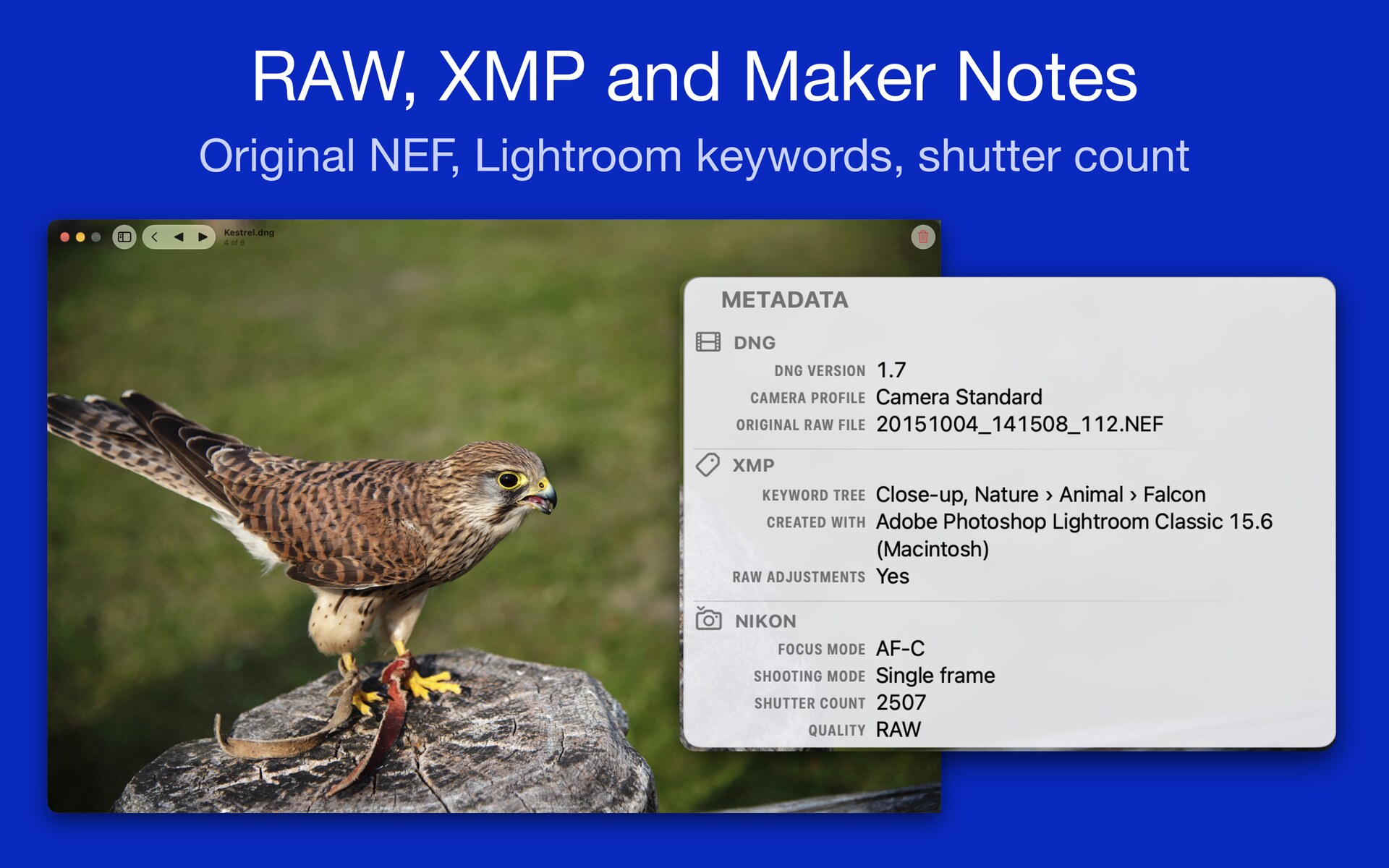
- XMP (2001): an open container for metadata of any kind. Photo editors store ratings, keywords and edit settings in it, for RAW files often in a separate .xmp sidecar.
- DNG (2004): an openly documented raw format. When you shoot ProRAW on an iPhone Pro, you get DNG files.
Old doesn’t mean finished, though. IPTC gained four fields for AI-generated images in November 2025, EXIF 3.1 came out in January 2026, and DNG has been an ISO standard since March 2026.
What matters to you
Not every standard matters equally to everyone. Depending on how deeply you’re into photography, different things come to the fore, at least as I see it. If you take photos …
- Mostly as snapshots: EXIF and GPS do their work without you. They’re why your photos are sorted by the day they were taken and can appear on a map. Good to know: a shared photo often includes its location too.
- With passion: EXIF is the quickest way to learn from your own photos. Which settings worked in low light? Which lens do you use most? Ratings and keywords live in XMP, and as soon as you shoot RAW or ProRAW, DNG comes into play.
- For a living: IPTC for captions, credit and rights, XMP sidecars and DNG for workflow and archive, ICC profiles for color you can rely on.
A few finds
While reading the standards, I came across a few things I hadn’t necessarily expected:
- Cameras store their photos in a folder called DCIM, with names like IMG_0001.JPG, because of DCF, a standard from the same family as EXIF.
- On an iPhone, the maker note, where a manufacturer keeps its own data, holds among other things the identifier that keeps the photo and the video of a Live Photo together.
- When IPTC tested social networks in 2019, most of them didn’t keep the embedded metadata.
What PhotoView shows, and what it doesn’t yet
PhotoView doesn’t take photo files apart itself. It reads their metadata through Apple’s frameworks: ImageIO for image files, PhotoKit for the photo library and AVFoundation for videos. So PhotoView shows what these frameworks read, and that isn’t always the newest version of a standard.
EXIF is a good example: the current version is 3.1, while ImageIO goes up to 2.32. Fields added in 3.0 and 3.1, such as the image title or who took the photo, don’t show up in PhotoView for now.
So you don’t have to guess, each section of the page says where PhotoView stands: which groups hold a standard’s fields, and which of them are part of PhotoView Pro.
For everyone who wants to dig deeper
The second part of the page answers the same questions for each standard: Who wrote it, and why? What’s in it? What does it mean for you? What does PhotoView show of it? And where do you find the standard itself?
Each standard comes with links to its specifications. Most of them are free, and only the ISO standards cost money. At the end of the page, you’ll find the sources it’s based on.
How PhotoView decides when EXIF, embedded XMP and a sidecar disagree is the subject of the post Sidecars and RAW: the .xmp next to your file.
Here’s the page: The standards behind your photo’s metadata.
← Back to the blog