See your photos — and everything behind them
PhotoView is a focused viewer for the photos and videos in your Photo Library. Inspect every image full screen and reveal the full EXIF, IPTC, TIFF and GPS metadata stored in your photos — on iPhone, iPad and Mac.
A viewer, done right
Browse your whole library, smart albums, your own albums and shared albums. Tap to view photos, Live Photos and videos full screen; swipe between them, pinch to zoom, double-tap to reset.
All your photos' metadata, available
Show a tidy overlay with EXIF, IPTC, TIFF and GPS values, plus camera maker notes and Apple computational-photography flags. Choose exactly which fields appear, and move or resize the panel with a drag or a pinch.
Locations on a map
When a photo carries GPS data, open its capture location on a map with a single tap, switch between Standard and Satellite, and see exactly where the shot was taken.
Slideshows with style
Play any selection full screen with Ken Burns, Crossfade, Slide, Push, Zoom and more. Set the pace per slide; videos and Live Photos play in line, right where they belong.
AirPlay to your TV (iPhone & iPad)
Mirror the current photo, video or whole slideshow to an Apple TV or compatible television. Only the media appears on the big screen — never the toolbar or metadata — while you keep full control on your device.
Tidy up, too
PhotoView leaves editing and importing to Apple's Photos app, but it lets you organise: create albums and folders, add or remove photos, and delete items. Everything you change is written straight back to your library.
A real Mac app
On the Mac, open original files from any folder, drag photos in and out of the Finder, use Quick Look and the full keyboard, and read extra XMP and Finder details — all in a proper desktop window.
Private by design
Read-only and offline: PhotoView never uploads or copies your photos, runs no server, and uses no tracking or ads. Only your own app settings can sync, and only through your private iCloud.
Screenshots
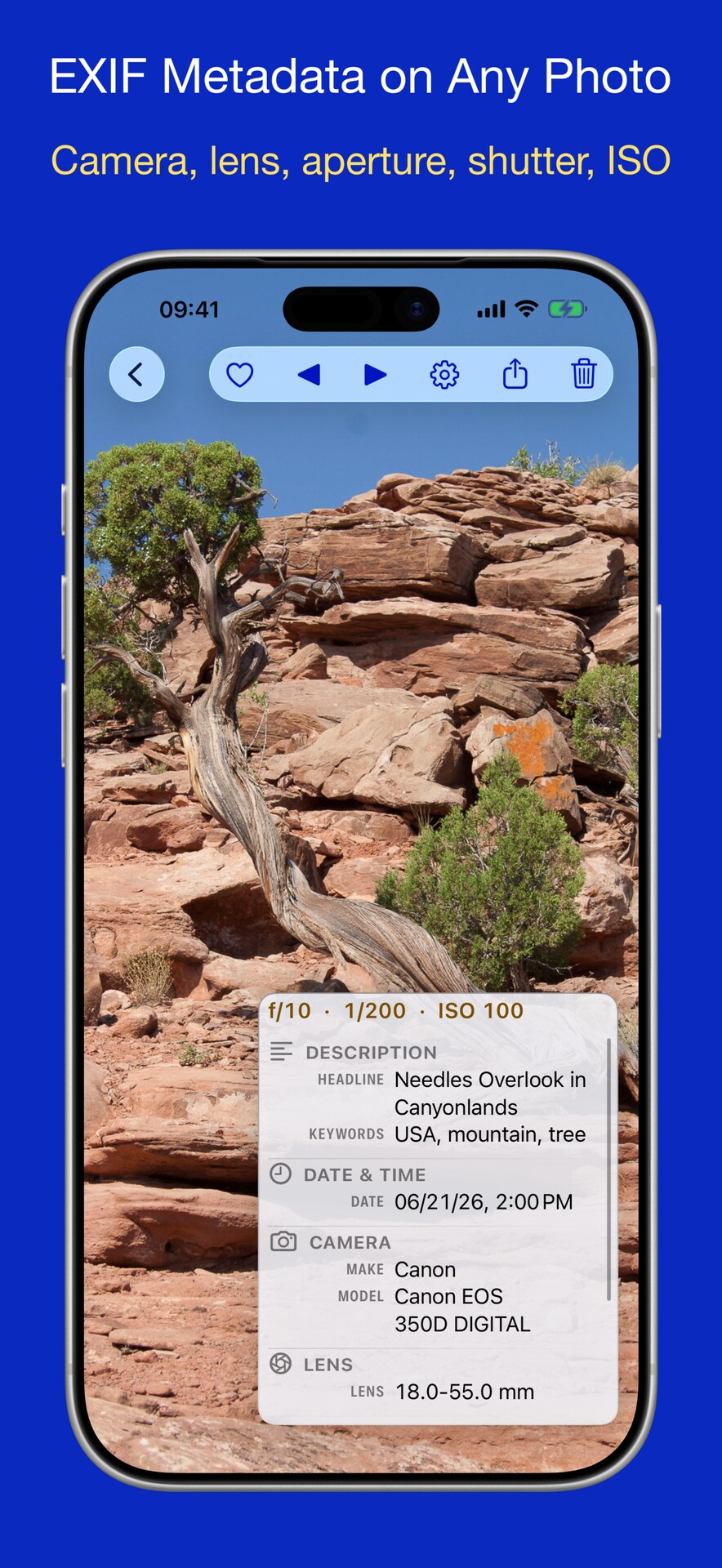
Metadata overlay
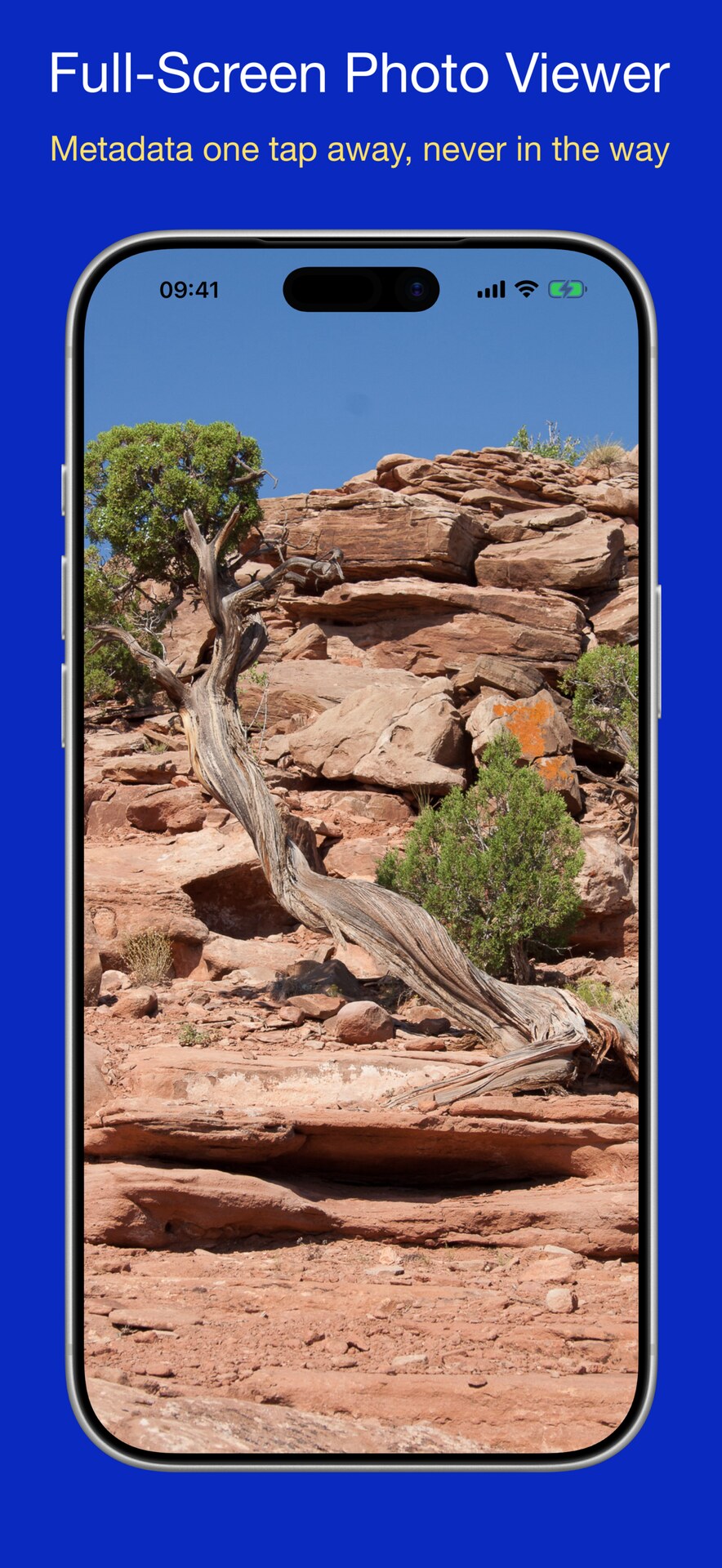
Full-screen viewing
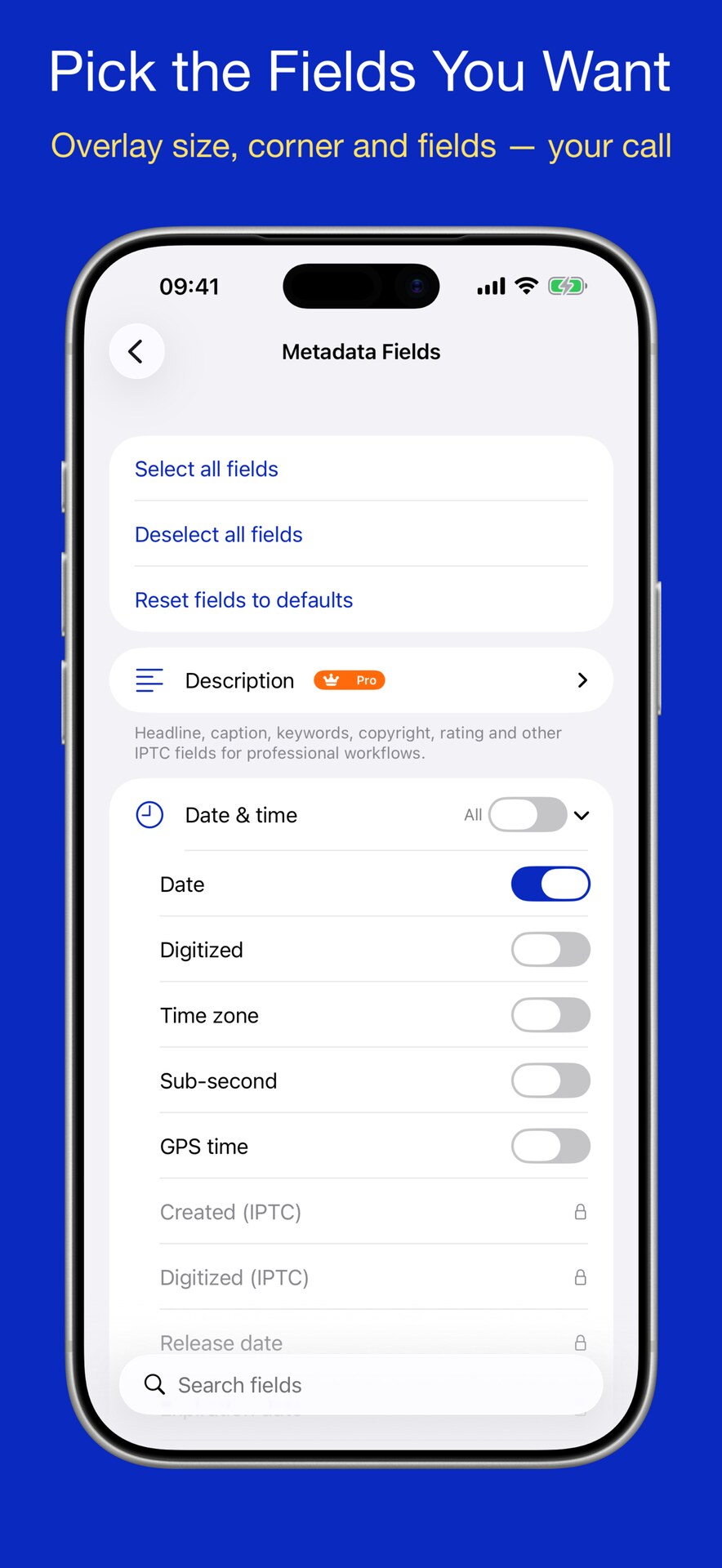
Customize fields
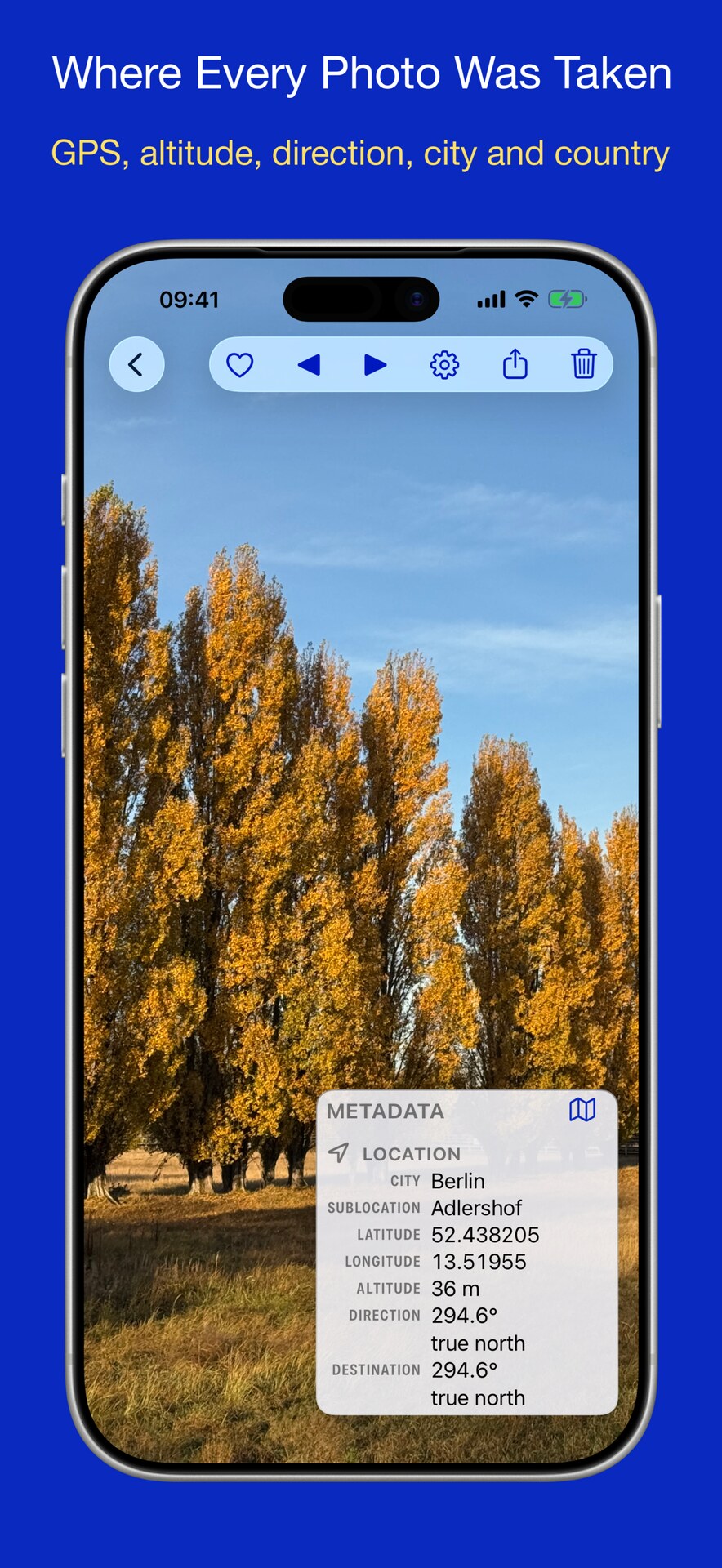
Location & maps
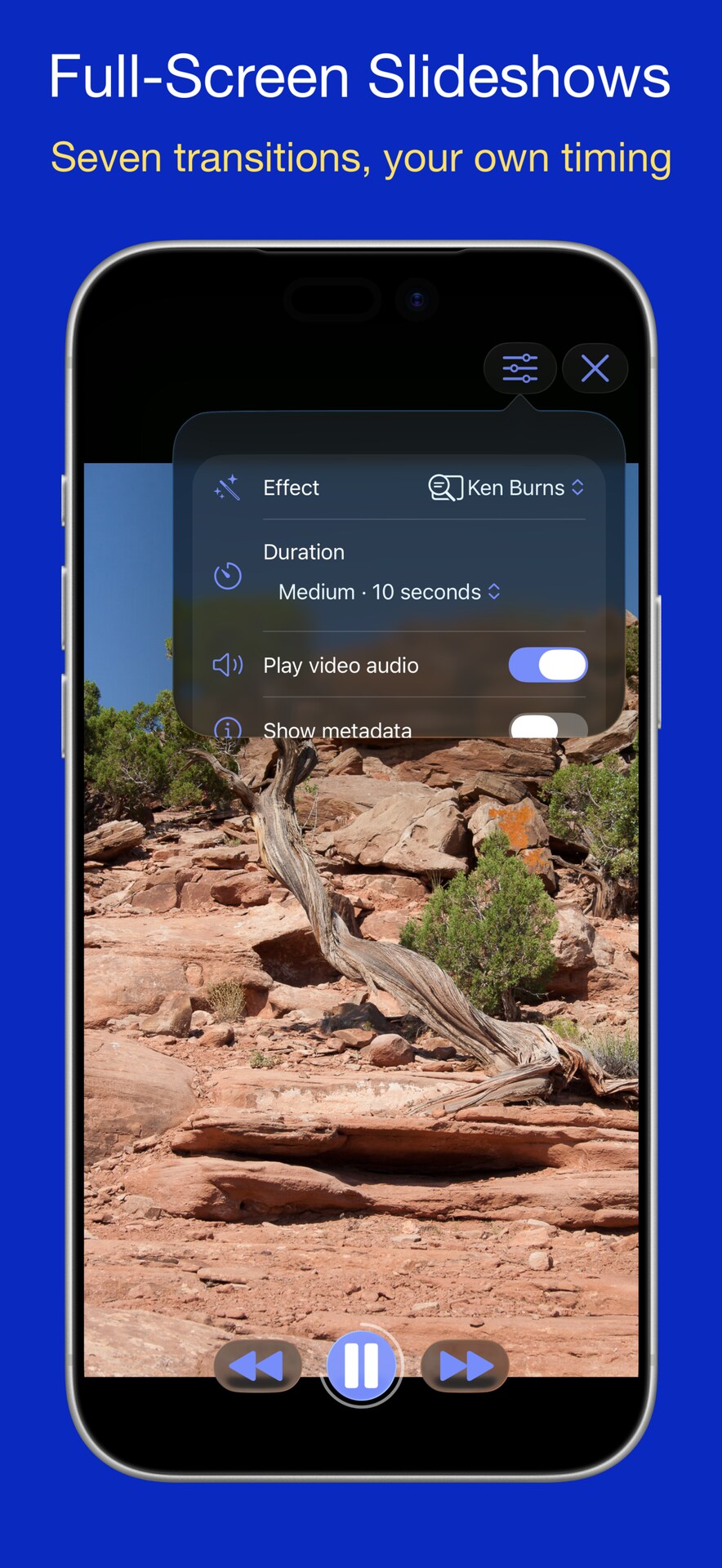
Slideshow

Gallery
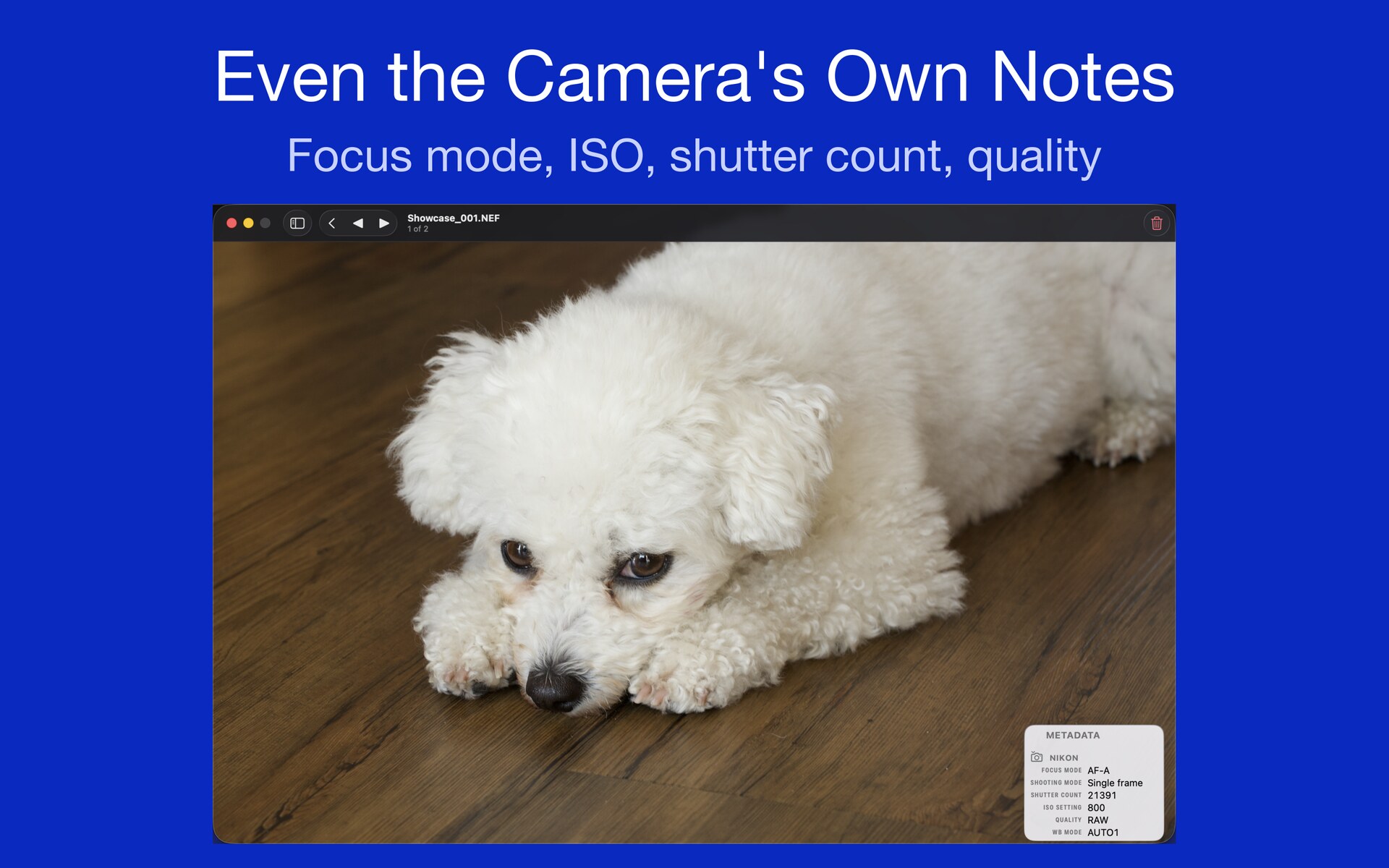
RAW from any folder
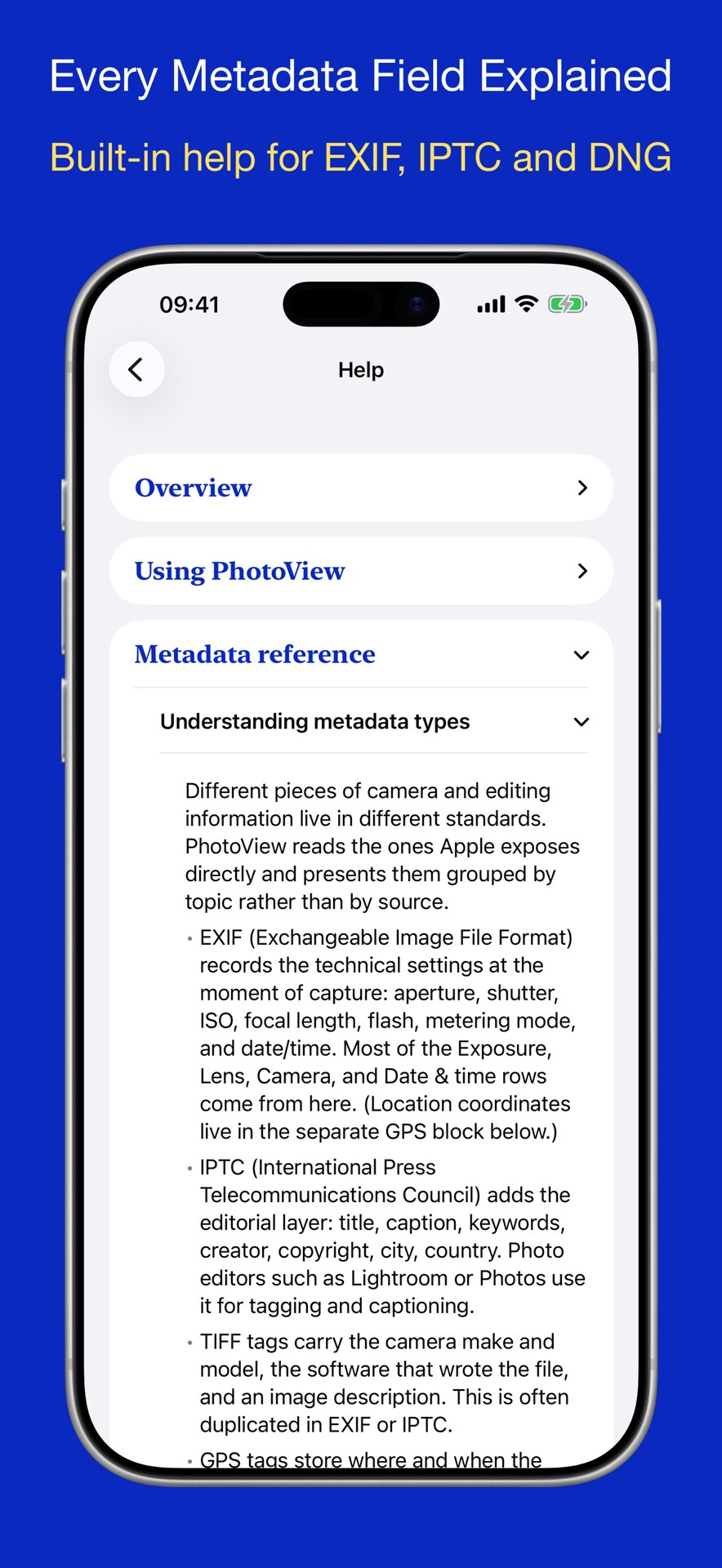
Built-in help
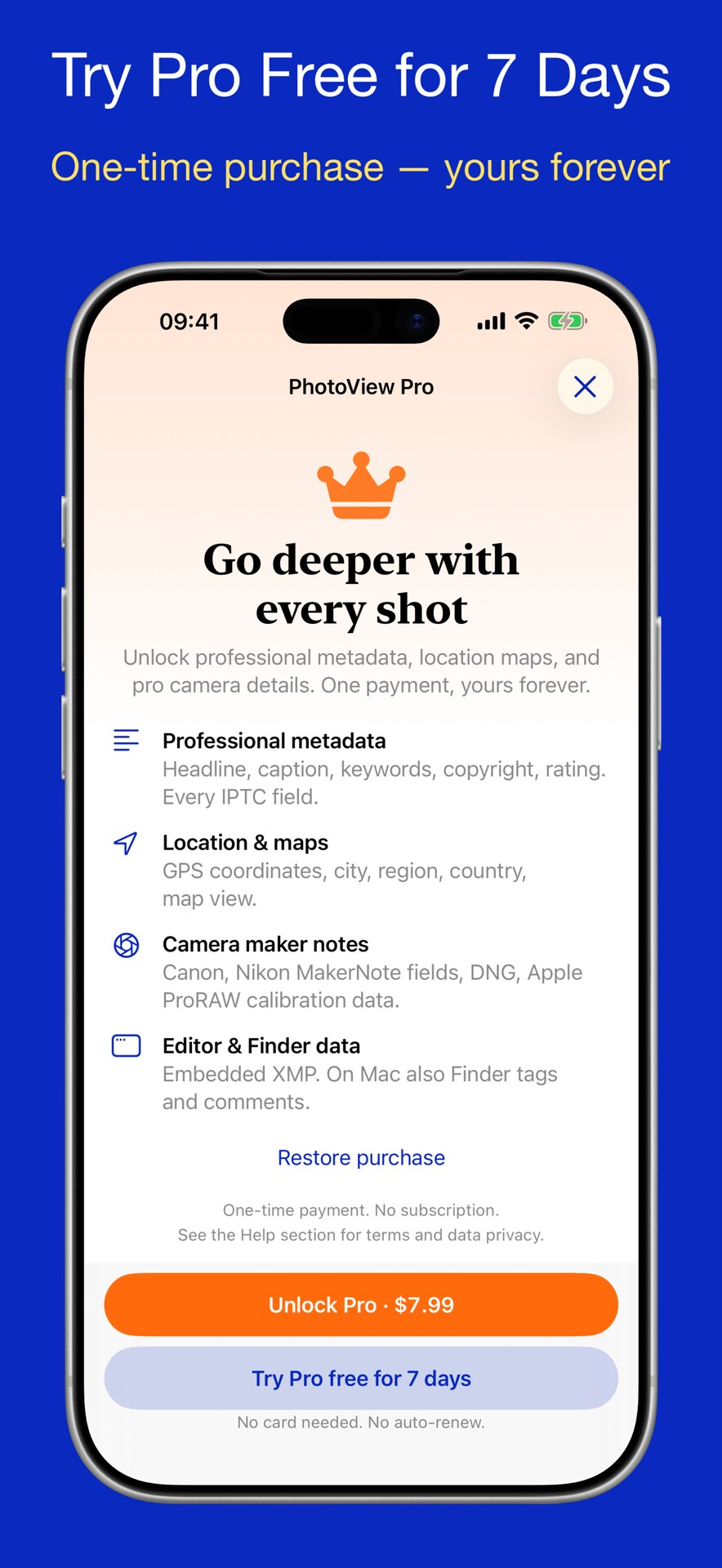
PhotoView Pro