Timers & Alarms: timer, alarm and interval timer
A versatile timer and alarm app for iPhone and iPad — countdown timers, interval timers, a stopwatch, alarms, widgets, Live Activities, and Siri, all in one place.

Features
Countdown Timers
Create multiple timers with custom names, durations, colors, and alarm sounds. Start, pause, resume, and stop them with a tap.
Presets & Quick Timers
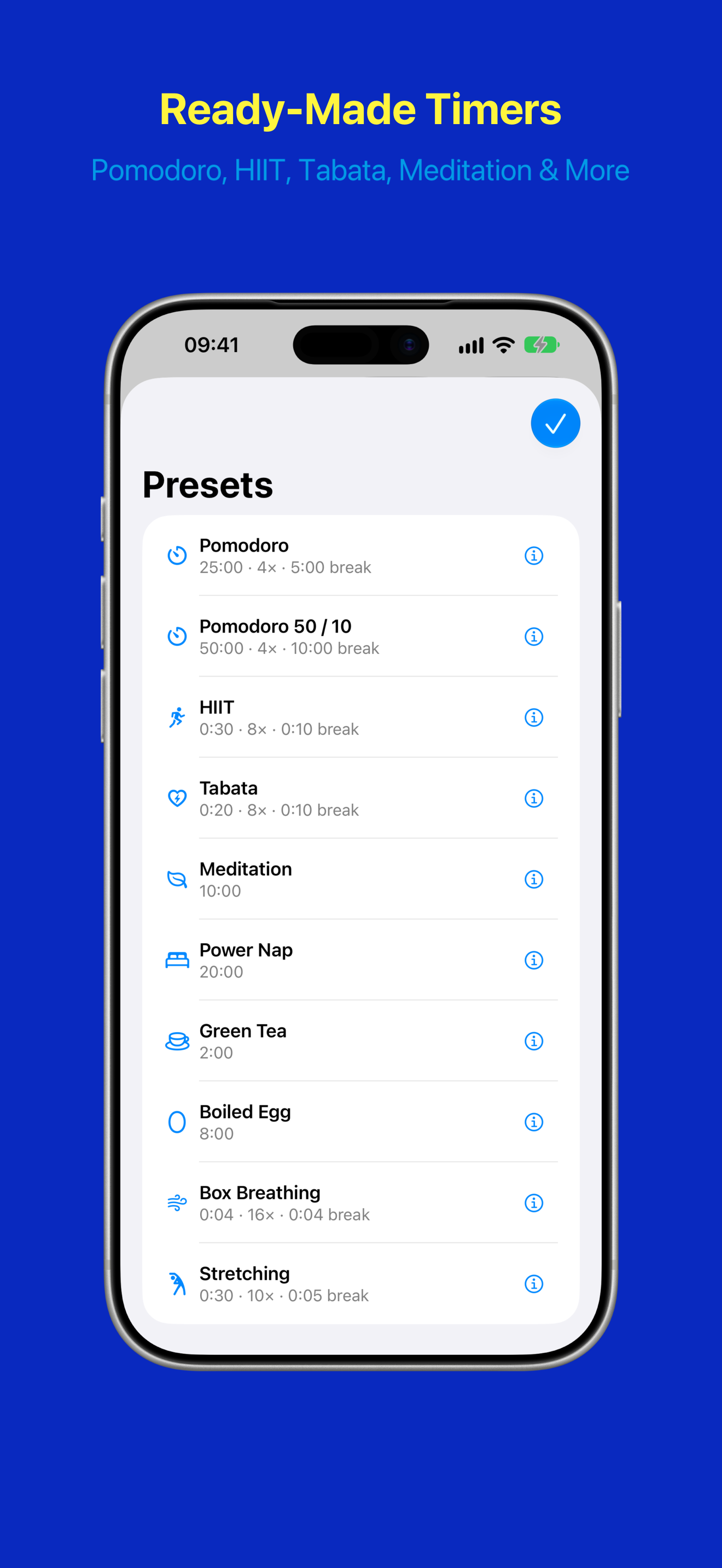
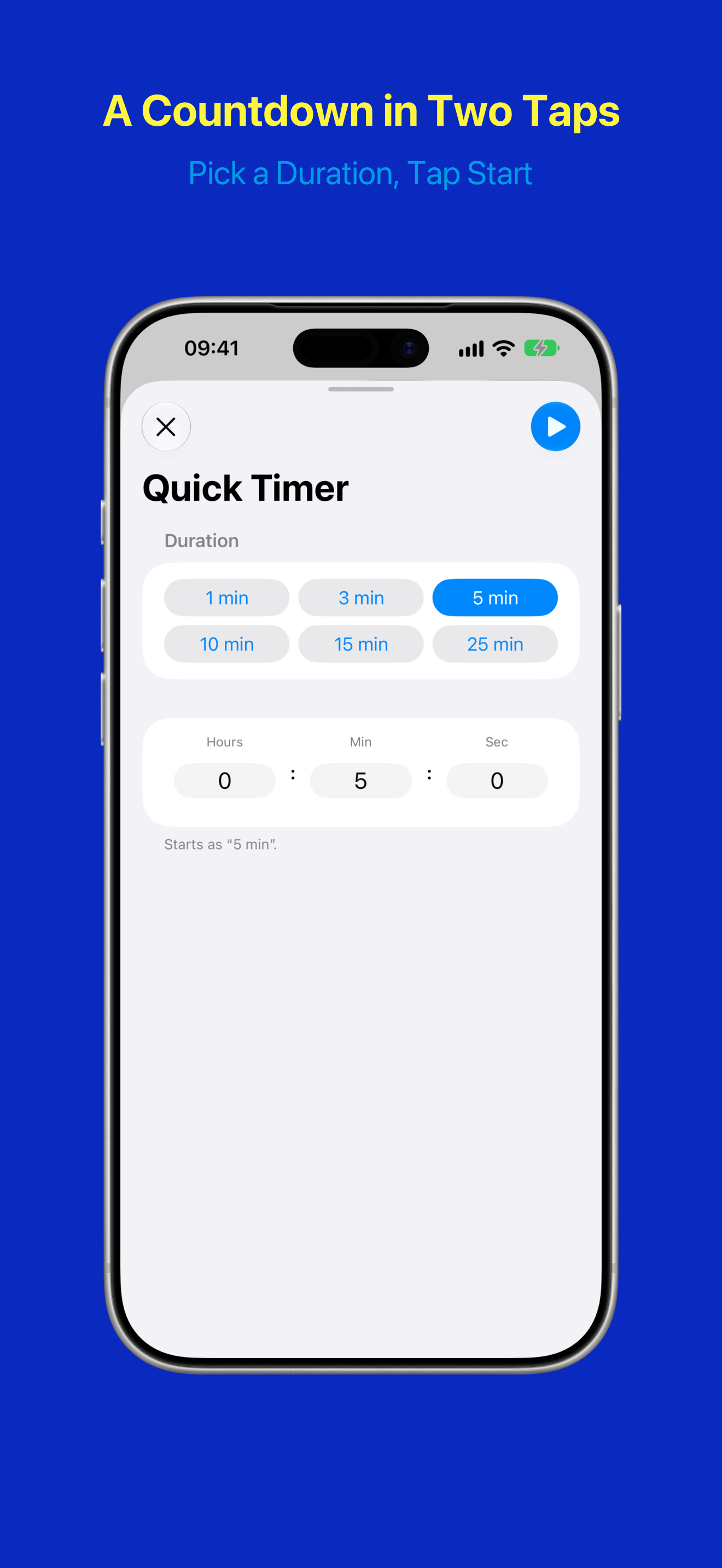
Start from a ready-made timer — Pomodoro, HIIT, Tabata, Meditation, Power Nap, and more — then adjust it to taste. Or tap the lightning bolt beside +, pick a duration, and the countdown starts straight away; it deletes itself once you are done with it.
Repeating Timers
Set timers to repeat for a fixed number of rounds or indefinitely. After each round finishes, confirm to start the next one.
Interval Timers
Switch between two phases like work and rest. Each phase gets its own name, duration, and optional sound. After each phase, confirm to continue — perfect for training or Pomodoro sessions.
Warm-up & Cool-down
Add an optional warm-up before the first round and a cool-down after the last. Rename the cool-down to “Long Break” for full Pomodoro sessions.
Tomato Timer Widget
A classic tomato kitchen-timer for your Home Screen, in small, medium, and large. The dial rotates as time elapses. Hide the control buttons, and a tap on the tomato starts, pauses, or resumes the timer.
Alarms
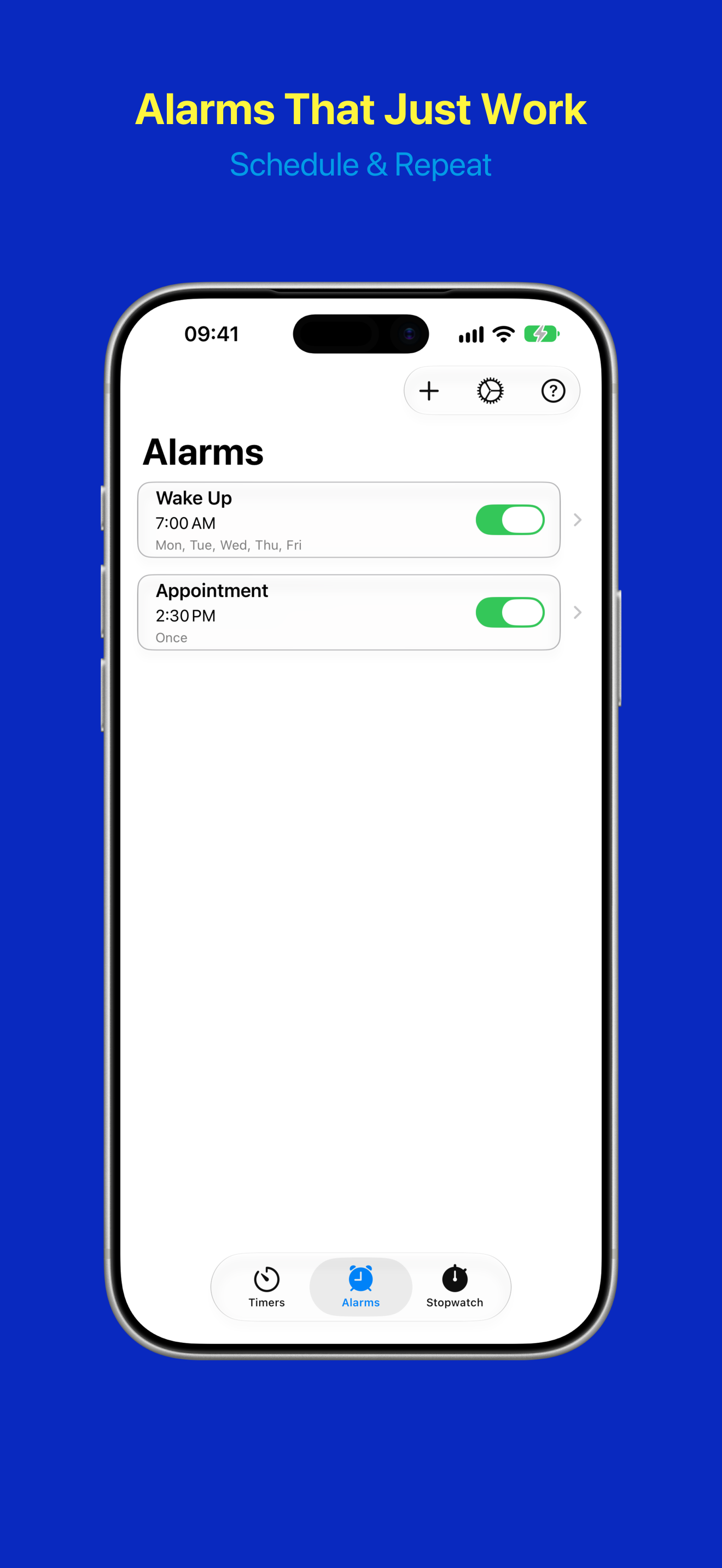
Set alarms with custom sounds, weekday repeats, and snooze. One-time alarms automatically disable after firing. Reliable across reinstalls, daylight-saving switches, and time-zone changes.
Stopwatch
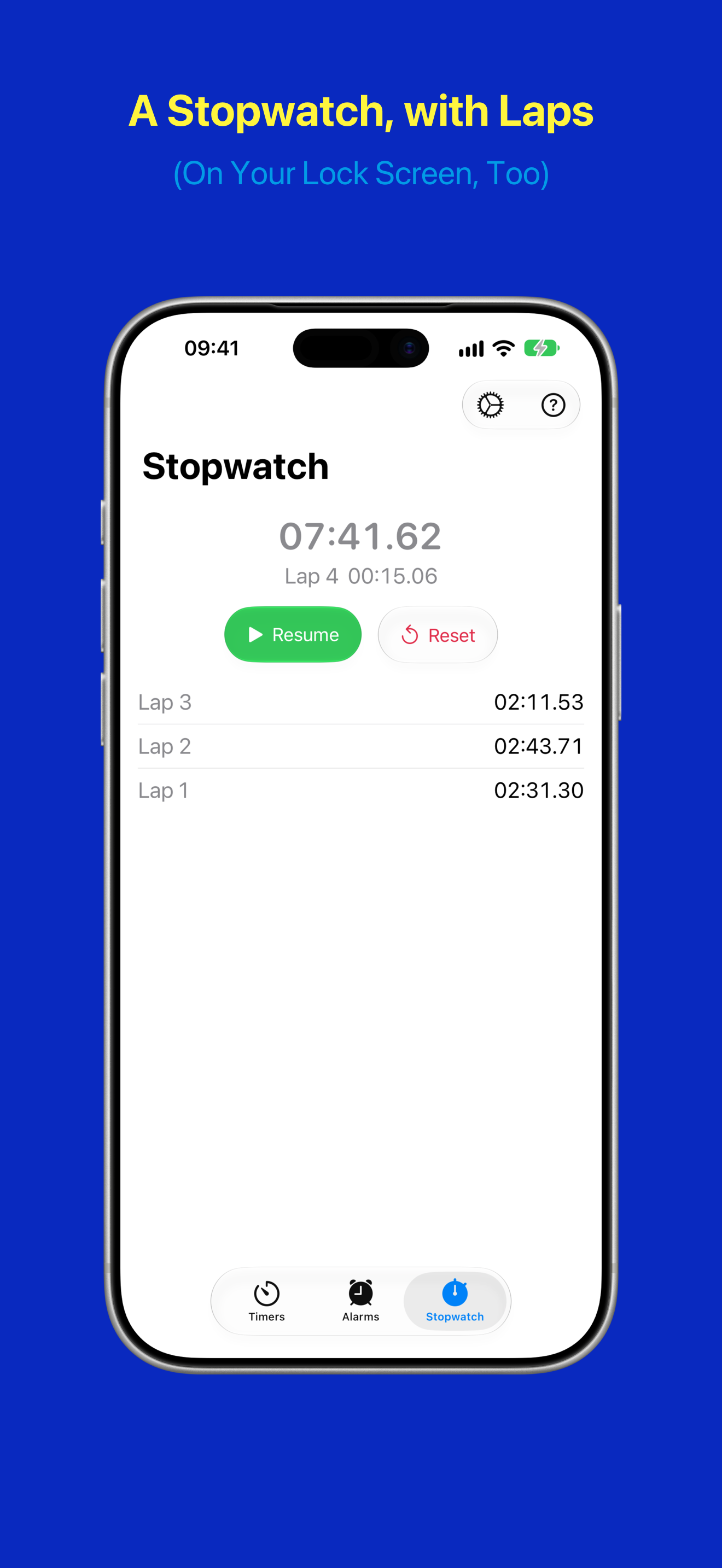
Counts up from zero, with laps you can compare at a glance. It keeps running when you leave the app or restart your iPhone, and costs no battery. It appears on the Lock Screen, in the Dynamic Island, and in the Smart Stack of your Apple Watch — and a control starts it without opening the app.
Widgets & Live Activities
Small and medium widgets show your timers and alarms at a glance — start, pause, or stop them without opening the app. The Quick Timer widget starts a countdown with a single tap. Live Activities keep your countdown on the Lock Screen and in the Dynamic Island.
Siri, Shortcuts & Spotlight
Say “Start Green Tea in TimerAlarm”, using the app’s name on your Home Screen: Siri starts, stops and checks your timers, moves an interval timer on to its next round, and turns alarms on or off. The same actions work from Spotlight and as steps in your own shortcuts, and your timers are findable in Spotlight by name.
iPad & Foldable iPhone
On an iPad and the large inner display of a foldable iPhone, the app uses the room: timers sit in a grid, the alarm list stays beside the alarm you open, and Help shows its topics next to the page. On a foldable iPhone, the timer detail and the stopwatch split at the fold. With a hardware keyboard, keys such as ⌘N for a new timer and ⇧⌘N for a quick timer save you a tap.
Screenshots

Timer List

Timer Detail

Timer Configuration
Presets
Quick Timer
Alarm List
Stopwatch

Widgets & Dynamic Island
Facts at a glance
- Name on the App Store
- Timers & Alarms (on the Home Screen and for Siri: TimerAlarm)
- What it is
- Countdown timers, interval timers, a stopwatch and alarms in one app, with widgets, Live Activities and Siri
- Developer
- Detlev Voss, independent developer, Berlin, Germany
- Platforms
- iPhone (incl. iPhone Duo) and iPad. Live Activities also appear in the Smart Stack of a paired Apple Watch.
- Requirements
- iOS 26.2 or iPadOS 26.2, or later
- Available since
- April 2026
- Current version
- 1.5 (October 2026)
- Alarms
- The app uses Apple’s AlarmKit, so timers and alarms sound reliably, even in Silent mode or a Focus.
- Presets
- Ten presets, from Pomodoro (25 minutes of work, 5-minute breaks, 4 rounds) to Tabata (20 seconds of work, 10 seconds of rest, 8 rounds)
- Price
- Free, with every feature included. No ads, no subscription. An optional tip jar supports development and unlocks nothing.
- Languages
- English, French, German, Spanish
- Category
- Utilities
- Privacy
- No account, no server, no analytics, no tracking. Your timers and alarms stay on your device.
Sources
Where to check the facts above, and what the presets are based on.
- Timers & Alarms on the App Store: price, version, requirements and languages
- AlarmKit, Apple Developer Documentation: the system framework the app uses to schedule alarms and timers
- The Pomodoro® Technique, Francesco Cirillo: the method behind the Pomodoro presets
- Tabata I. et al. (1996), “Effects of moderate-intensity endurance and high-intensity intermittent training on anaerobic capacity and VO2max”, Medicine & Science in Sports & Exercise 28(10), pp. 1327–1330: the study behind the 20- and 10-second intervals of the Tabata preset
- Timers & Alarms user guide: every feature, step by step
- Privacy Policy: what stays on your device